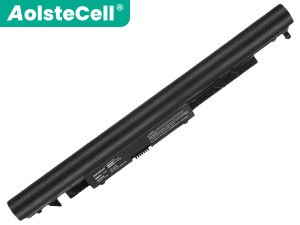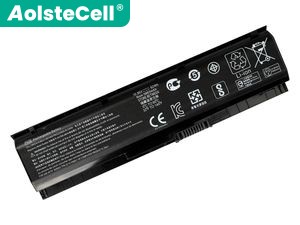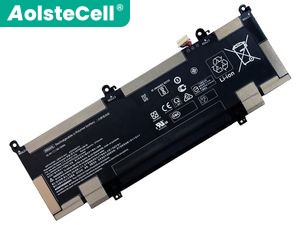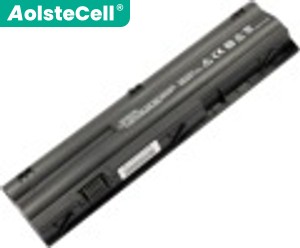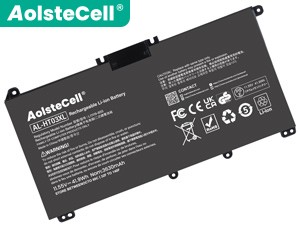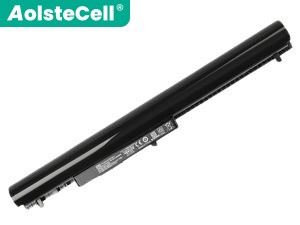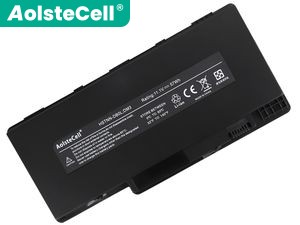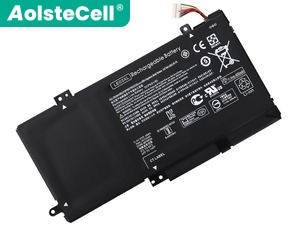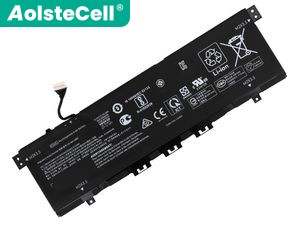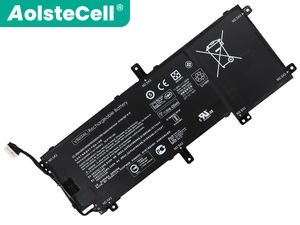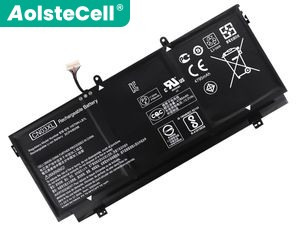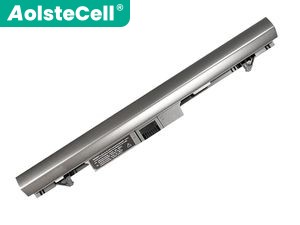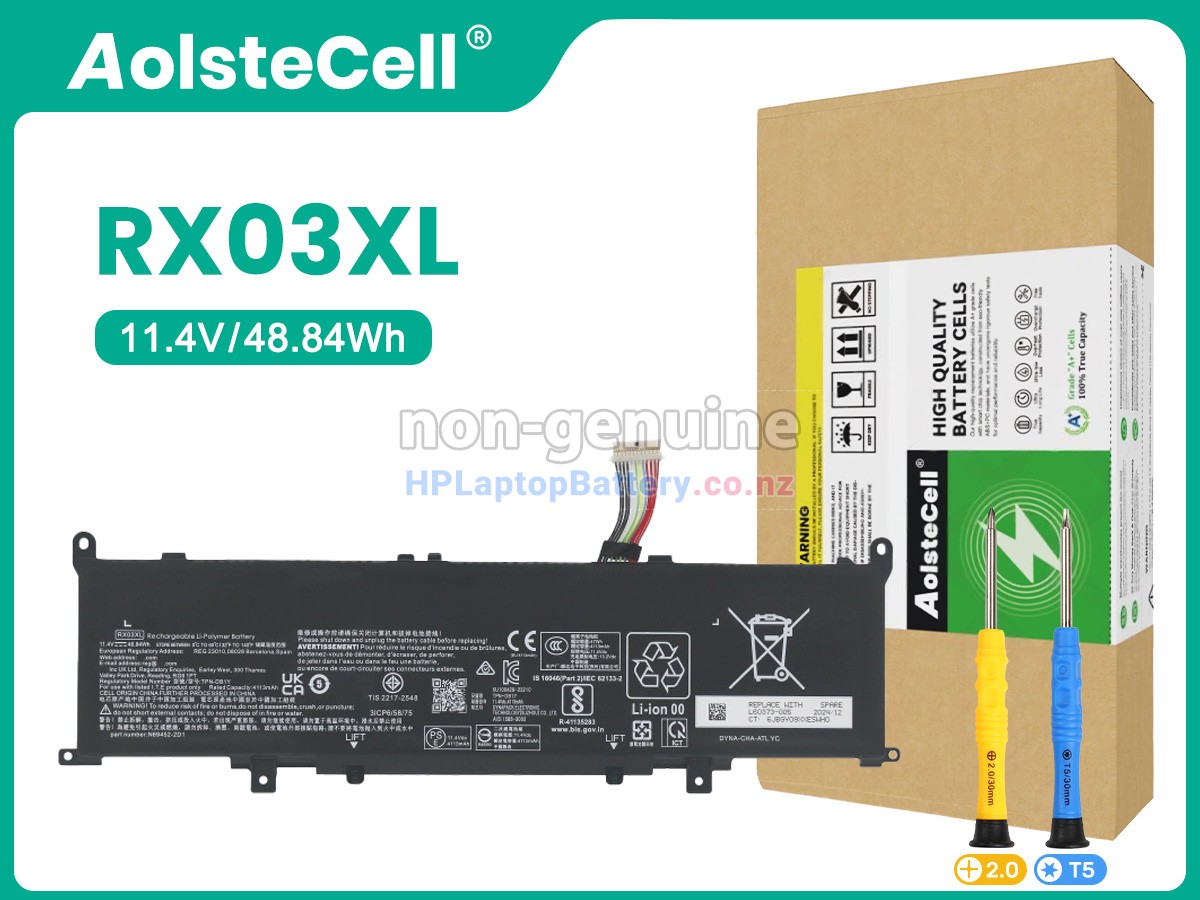
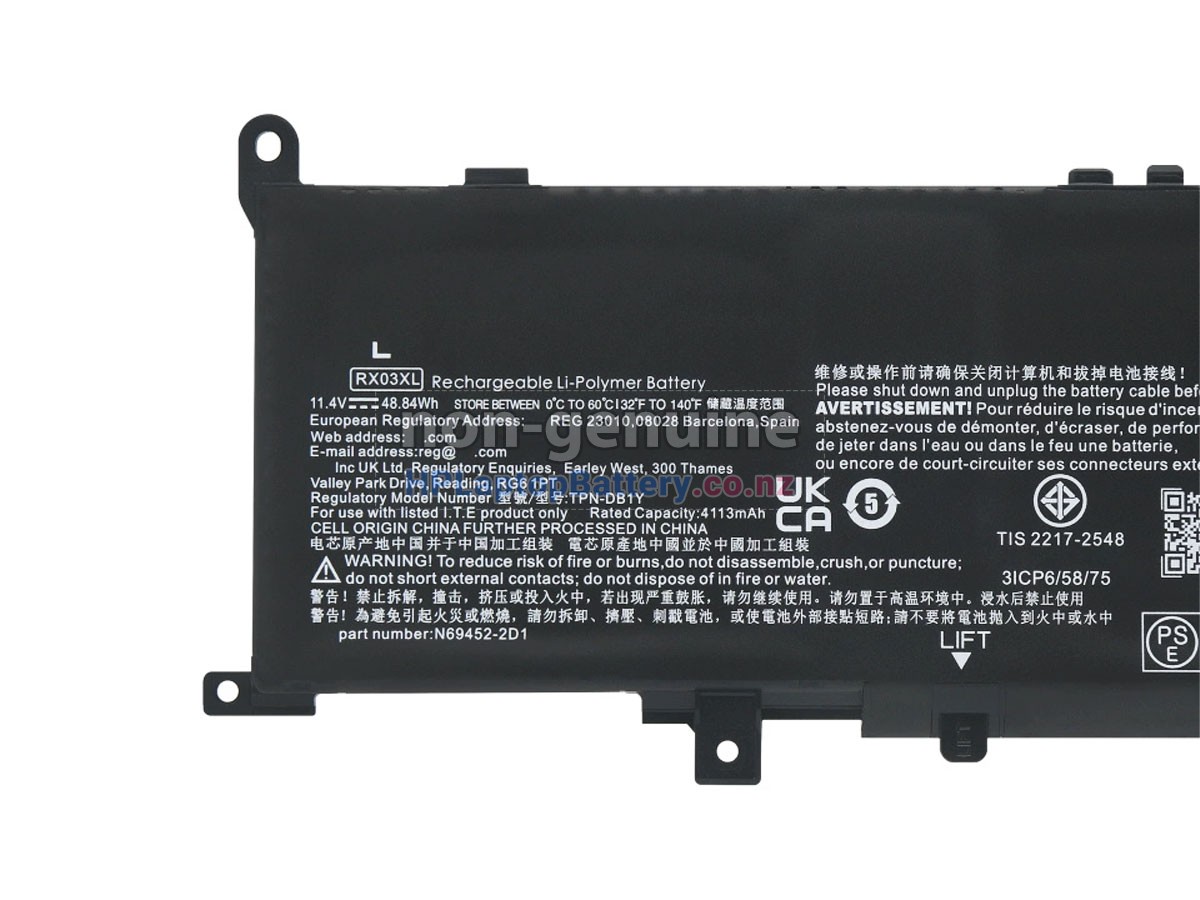
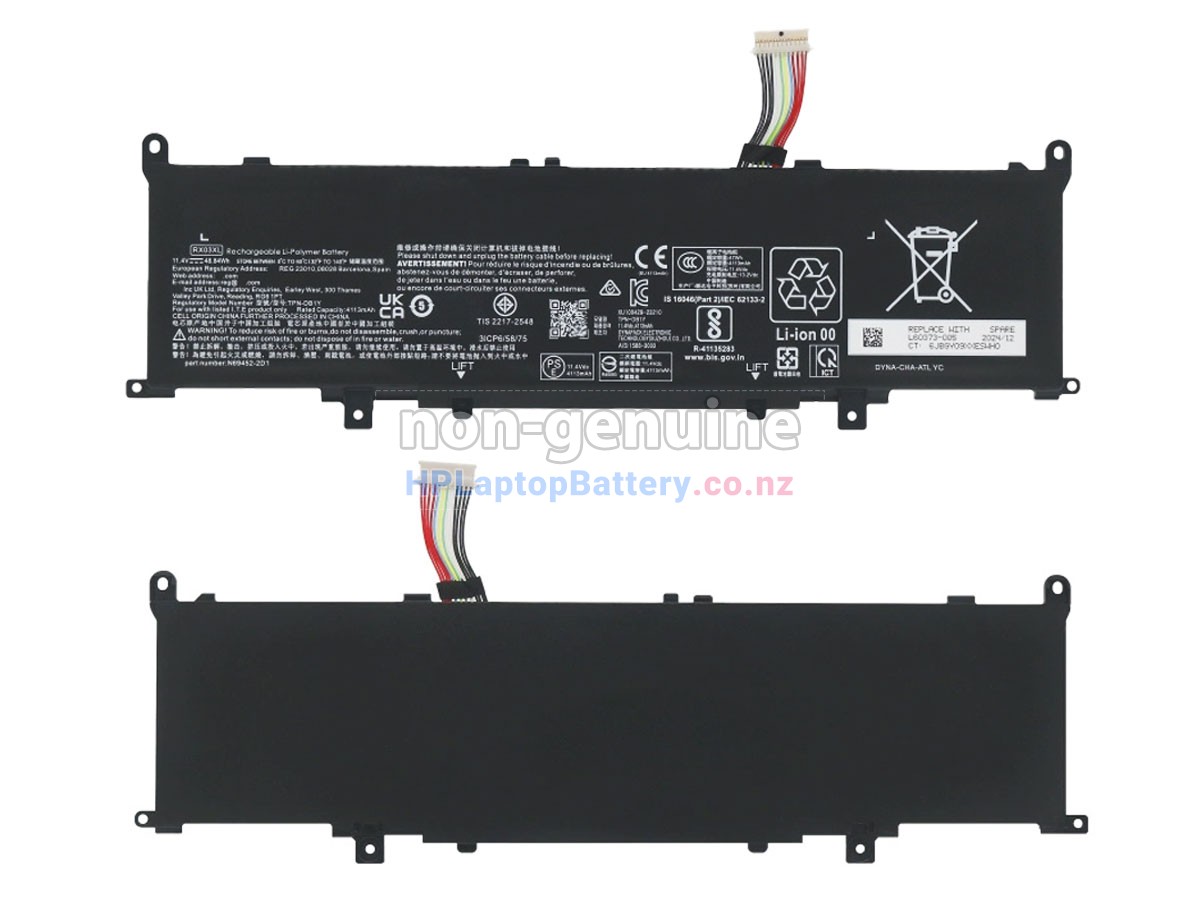

The perfect combination of high performance and low price - the new HP EliteBook 645 G11 8Z3N1AV laptop replacement battery. A high performance battery option offered with long-lasting energy support and a superior experience for your HP laptop.
This high performance replacement battery for HP EliteBook 645 G11 8Z3N1AV is made of lithium-ion cells and high-temperature and wear-resistant PC+ABS enclosure material, and is manufactured by reliable manufacturers such as Samsung, Panasonic, LG, and Samyang for quality and safety that are worthy of trust. It is fully compatible with your device with identical specifications (voltage, capacity, safety and compatibility) to the original battery, providing you with excellent performance and outstanding usage experience which is on par with the original battery.
Our batteries are all internationally certified (SAA, CE, UL, ROHS, ISO 9001/9002, etc.) and safety tested (QA & QC) before delivery, and each HP EliteBook 645 G11 8Z3N1AV battery is also rigorously functional test for proper operation before shipment. We ensure that the battery delivered to you is a safe, reliable and high performance battery.
Each of our replacement HP EliteBook 645 G11 8Z3N1AV batteries can be cycled 600-800 times to ensure long battery life. We are committed to providing you with high performance, reliable replacement batteries so that your HP laptops will keep running for a long time and provide you with a superior user experience.
We have more than ten years of experience in R&D and sales of HP notebook batteries, and our buyers have spread all over the world, with more professional service and better after-sales service, which is worthy of trust and purchase.
Not all the HP EliteBook 645 G11 8Z3N1AV battery compatible models are listed. If you are still unsure whether it is suitable for your speaker, please click "Battery Model Inquiry" for support.
- EliteBook 645 G11 8Z3N1AV
- EliteBook 630 G11
- EliteBook 630 G11 900X5AV
- EliteBook 630 G11 900X6AV
- EliteBook 630 G11 900X8AV
- EliteBook 630 G11 900Y0AV
- EliteBook 640 G11 901D0AV
- EliteBook 640 G11 901D1AV
- EliteBook 640 G11 901D2AV
- EliteBook 640 G11 901D3AV
- EliteBook 640 G11 901D4AV
- EliteBook 640 G11 901D6AV
- EliteBook 640 G11 901D7AV
- EliteBook 640 G11 901F0AV
- EliteBook 645 G11
- EliteBook 645 G11 8Z3M3AV
- EliteBook 645 G11 8Z3M7AV
- EliteBook 645 G11 8Z3N3AV
- EliteBook 660 G11 902F0AV
- EliteBook 660 G11 902F4AV
- EliteBook 660 G11 902F9AV
- EliteBook 660 G11 902G1AV
- EliteBook 660 G11 902G3AV
- EliteBook 660 G11 902G4AV
- EliteBook 665 G11
- ProBook 445 G11 8Z9P8AV
- ProBook 465 G11
- ProBook 465 G11 901H2AV
- ProBook 465 G11 901H4AV
- ProBook 465 G11 901H5AV
- ProBook 465 G11 901H6AV
All batteries sold on hplaptopbattery.co.nz are replacement parts. hplaptopbattery.co.nz doesn't affiliate with any of the original manufacturers. Any registered trademarks or model names listed above are identified as purposes of showing compatibility only.
1.After payment we will arrange the shipment within 48 hours.
2.When the shipment is confirmed, you'll receive a tracking number in your confirmation
e-mail.
3.This replacement HP EliteBook 645 G11 8Z3N1AV battery will be sent well packed in anti-static bag,
Boxed in sponge padded box and further sealed in plastic bag.
| We Accept Payment Methods | ||
| PayPal |
 Payments by PayPal, NO PayPal account required. PayPal is safe and free for buyers. |
|
| Credit or Debit Card |
 VISA, MasterCard, American Express, JCB, Diners Club, Maestro & Laser Card, etc. |
|
|
Note: 1. Both Paypal and HPLaptopBattery.co.nz use encrypted servers to process related payments, and your personal information will not be stored on our servers. 2. If you choose PayPal Express Checkout (instead of filling in the shipping address on our website to checkout), please select the CORRECT address when checking out. |
||
We offer One Year Warranty on our replacement
HP EliteBook 645 G11 8Z3N1AV laptop battery .
30 Day Money Back Guarantee if you are not satisfied with
our replacement HP EliteBook 645 G11 8Z3N1AV battery.
We guaranteed 100% compatible with original products, meet or exceed the original
equipment manufacturer specifications.
We are ensure that all sold merchandises are brand new, we will check the functions
of the battery before delivery.
Best quality products at the best price with best after sales service, if you have
any questions or feedbacks about our replacement HP EliteBook 645 G11 8Z3N1AV batteries
please contact us
directly, our customer service will reply you within 48 hours.
We provide a brand new HP EliteBook 645 G11 8Z3N1AV replacement battery instead of the original battery, but its specifications are the same as the original battery, which is fully compatible with your HP notebook. The performance and experience are comparable to or even beyond the original battery. Compared to the original battery, we are more cost-effective. Welcome to shopping on our website.
The main factors affecting the charging speed of the battery are the charger power and the charging environment. Therefore, we cannot give a specific charging speed. In terms of battery life, this HP EliteBook 645 G11 8Z3N1AV battery can last up to 3-6 hours for daily office hours(it depends on the usage scenario). However, the HP EliteBook 645 G11 8Z3N1AV replacement battery we offer has the same specifications as the original battery, so its charging speed and endurance are close to or even beyond the original battery.
Storage: If you do not intend to use the battery immediately, please store it in a dry,
cool and well-ventilated place and recharge it regularly to maintain optimal performance.
Charging: The battery is only partially charged pre-delivery, so it is recommended that
you fully charge the battery before using it.
Discharge: Try to avoid complete discharge to help extend battery life and performance.
Turn off your laptop completely: Turn your laptop off and make sure the charger is
disconnected from the power source.
Locate the laptop battery compartment and open it: The laptop battery compartment is
usually located on the back or bottom of the laptop and has a battery location marker
attached. You might need to use a screwdriver or other tools to open the battery
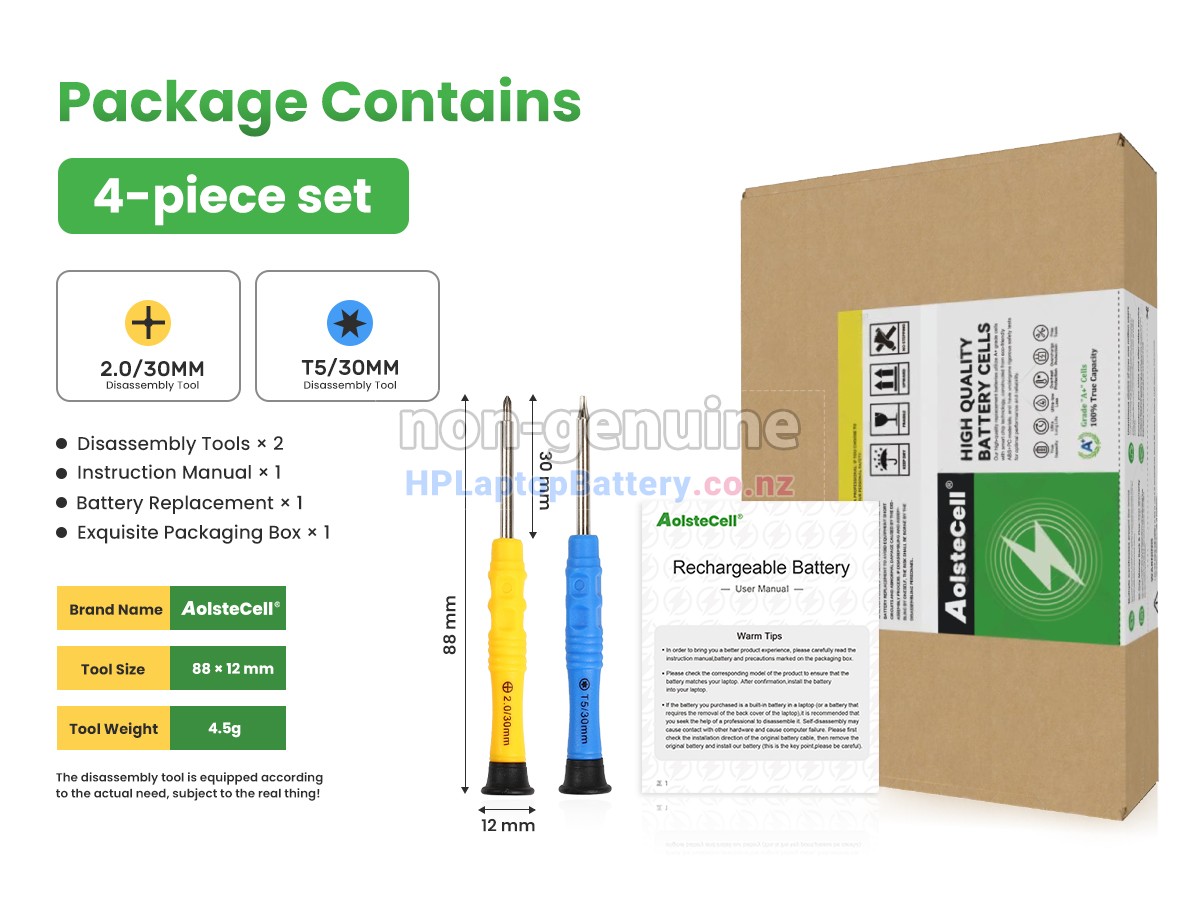
compartment cover. (If you buy a model with a built-in battery, a set of tools would be
enclosed)
Remove the old battery: After opening the battery compartment cover, you will see the
battery is fixed to the laptop. Depending on how the battery is secured, the external
battery may require pressing or sliding the battery release button, or pushing the
battery out directly with your fingers. The internal battery may need to be removed
using a screwdriver and gently pushed.
Insert the new battery: Insert the new battery into the battery slot, making sure the
battery is aligned with the connector and securely installed. Press or slide the battery
so that it is securely fastened to the laptop.
Close the battery compartment cover: After ensuring that the battery is properly
installed, cover and secure the battery compartment cover and use a screwdriver or other
tools to tighten the screws.
Turn on the laptop: reconnect the power adapter, and start the laptop, if it turns out
that the battery works properly, your battery is replaced successfully!